
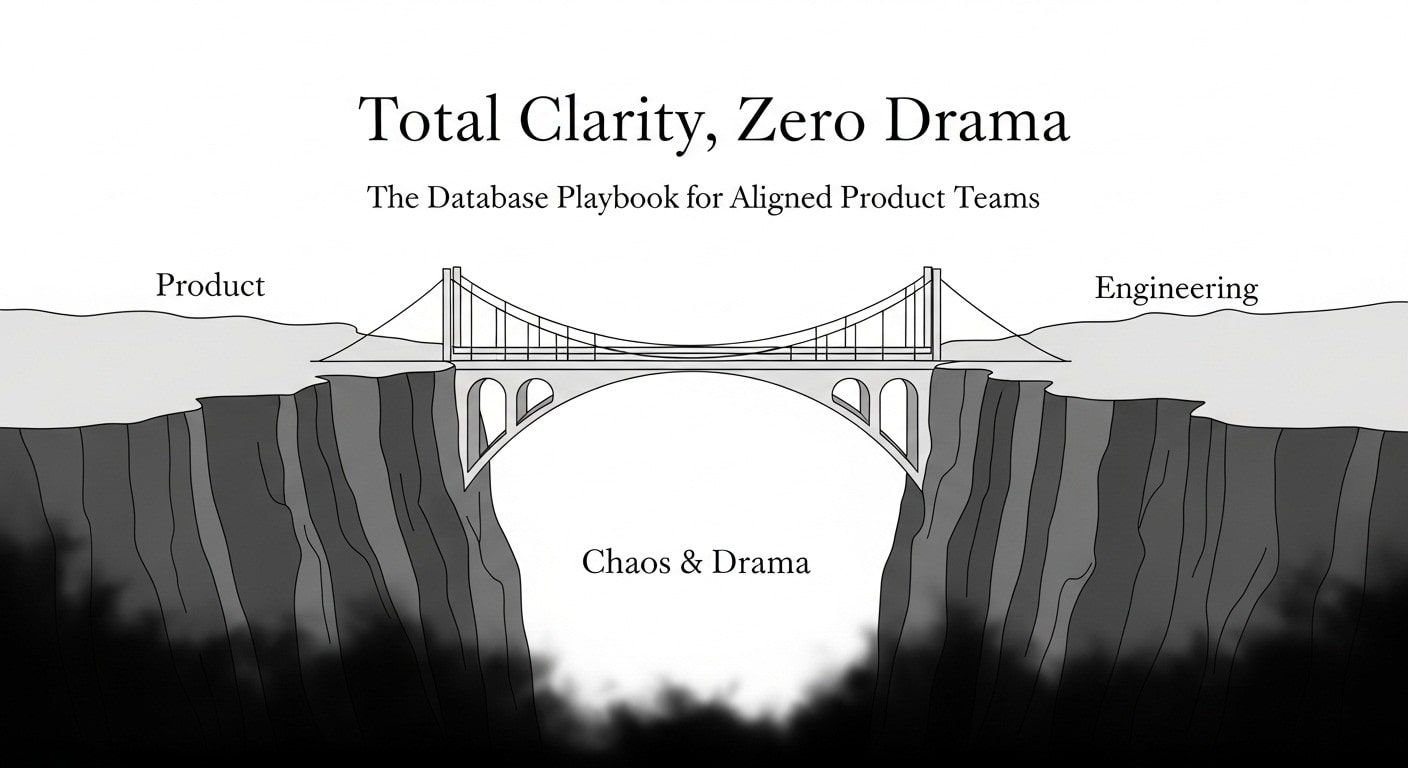
I've learned a hard lesson building tools at Amazon Advertising and for AI applications: the most painful product crises aren't caused by bugs. They're caused by mysteries.
A multi-million dollar campaign suddenly stops spending. A user's critical project vanishes. The entire team—from Account Managers to leadership—looks to engineering for answers, but the database is silent. It can tell you the state of things now, but not how or why they got that way.
These mysteries happen when the people defining the product don't have the vocabulary to ask for a transparent data foundation in their requirements.
This article closes that gap. It's a guide for Product Managers to understand the foundational data principles they must require, and for Developers to get the business rationale to build them right from the start.
By the end of this article, you will have a shared checklist of ten simple rules to ensure your product's data is a source of clarity, not chaos. You will learn:
- How to build a complete "audit trail" for your data, so you can instantly diagnose why a campaign failed or a project got stuck.
- Why "archiving" data instead of deleting it is a simple product decision that acts as a vital safety net and makes future analysis effortless.
- A clear, predictable naming system that prevents confusion and makes the product's data intuitive for everyone on the team.
The 10 Rules, from Easiest Wins to Architectural Impact
1. Name Your Tables with Singular Nouns
A simple but powerful convention is to name your data tables with singular nouns. The table that holds all our users is named `user`, not `users`. The one for projects is `project`, not `projects`.
A real-world example: Imagine this Slack conversation:
New Developer: "Hey team, quick question. When I query for customer data, is the table called `customer` or `customers`?"
Data Analyst: "My weekly report just broke. I was pulling from the `order` table, but someone must have renamed it to `orders`."
This isn't just a style issue; it's a drag on productivity. A simple, unbreakable rule (`all tables are singular`) eliminates these questions, speeds up development, and makes data analysis queries easier and more predictable for everyone.
2. Add Timestamps to Know When Things Happened
Our second rule is to add `created_at` and `updated_at` timestamps to every important record. This means every piece of data is automatically stamped with the exact moment it was first created and the last time it was changed.
Why it’s critical at scale: In a system managing millions in ad spend, if a campaign's budget is suddenly exhausted, "I don't know what happened" is not an acceptable answer. These timestamps are the first step in any investigation, providing an immediate answer to "What changed, and when?"

3. Don't Delete, Just Archive
We follow a "don't delete, just archive" rule by using "soft deletes." Instead of permanently erasing data, we simply mark it as archived by adding a timestamp to a `deleted_at` column. If that field is empty, the item is active. If it has a date, it's considered "deleted" and hidden from view.
Why it’s critical at scale: An advertiser might pause a massive campaign and want to reactivate it a year later. A user might accidentally delete a complex AI-generated image. Permanent deletion is a business liability. Soft deletes provide a safety net and a rich source for analytics, which is essential for user trust and business continuity.
4. Don't Allow "Orphan" Data
This rule prevents illogical data. For example, you can't have an online order that doesn't belong to a customer. This rule enforces that common sense at the database level.
The technical guardrail: This is enforced using a `FOREIGN KEY` constraint with an `ON DELETE RESTRICT` clause. This tells the database: "Do not allow a row in this table (e.g., `customer`) to be deleted if it is still referenced by a row in another table (e.g., `orders`)." It's like a hard-coded business rule at the lowest possible level.
Why it’s critical at scale: This is our ultimate safety net against data corruption. It makes it physically impossible to delete a user account that still has a running ad campaign with a $1M budget. You cannot create "orphan" data. This hard-coded guardrail enforces business logic at the lowest, most reliable level.
5. Create a "Dictionary" for Your Statuses
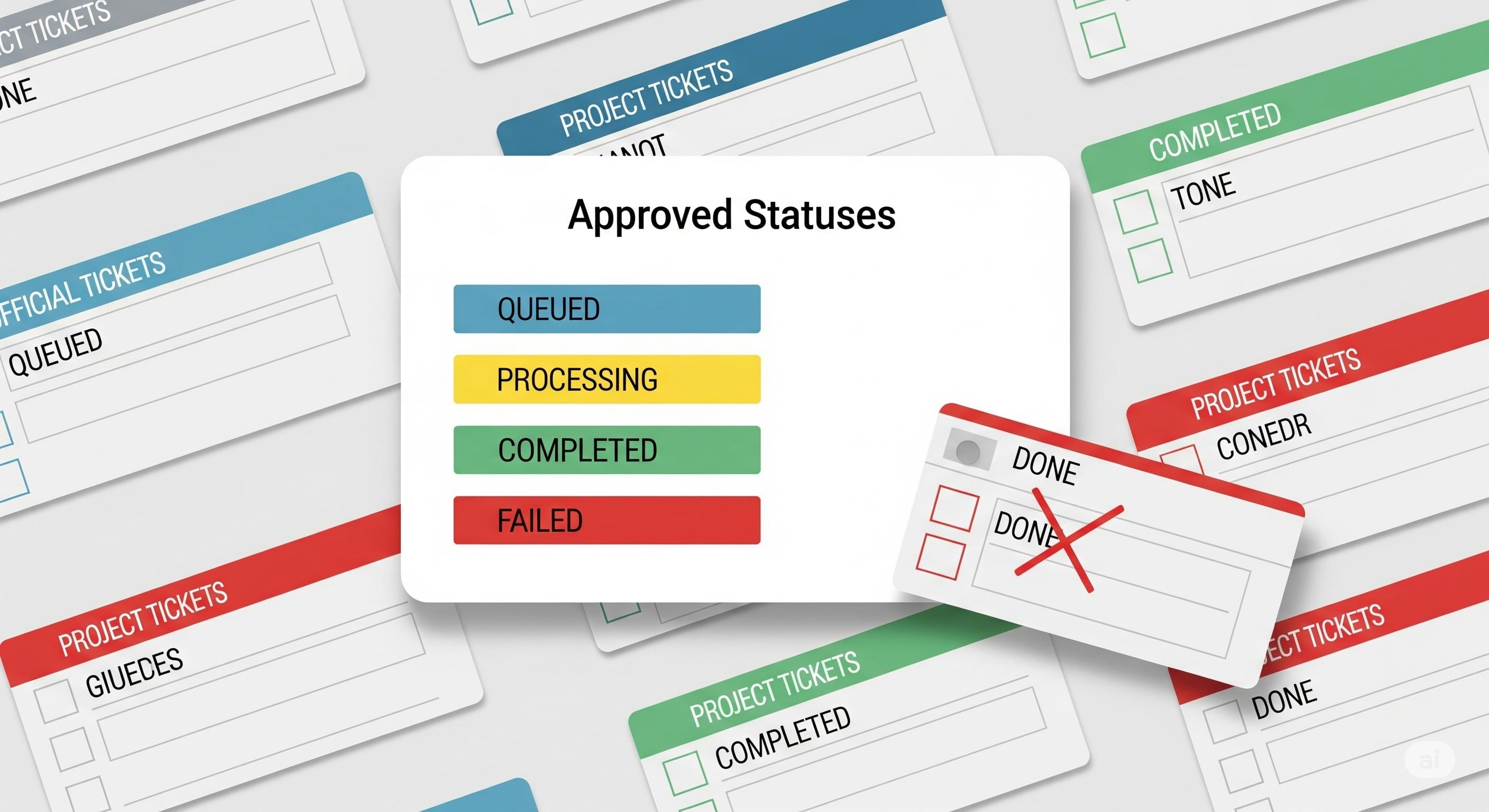
To keep our data consistent, we create a "dictionary" for common values using 'Enum Tables.' For anything with a status—like an AI image generation—we create a central table that lists all the officially approved options (`QUEUED`, `PROCESSING`, `COMPLETED`, `FAILED_CONTENT_POLICY`). Other tables can then only pick from this official list.
Why it’s critical at scale: These statuses are the gears of a massive machine. An incorrect status can halt an entire pipeline, leaving users staring at loading spinners. A central Enum Table is the single source of truth that ensures every part of the system speaks the exact same language.
6. Keep a Logbook of Every Status Change
We take status tracking a step further by keeping a historical log of every change. This means we don't just store an item's current status; we record its entire life story in a separate logbook table, noting when it was "Pending," when it moved to "In Review," and when it was finally "Approved."
Why it’s critical at scale: This is our primary diagnostic tool. When a customer asks, "Why was my ad rejected?" the status log provides the exact, timestamped answer. When we need to find out where bottlenecks are in our AI generation queue, this data tells the story. It’s the difference between guessing and knowing.
7. Name "Connector" Tables Predictably
For clarity, we mechanically name our "connector" tables. These are tables that exist only to link two other types of information.
A simpler way to think about it: Imagine you're planning a wedding. You have a list of `Guests` and a list of `Tables`. How do you know who sits where? You create a Seating Chart. The Seating Chart is the "connector table." It only exists to connect a specific guest to a specific table. Naming it predictably, like `guest_tables`, makes it obvious to anyone looking at your plan that this is the master seating chart.
Why it’s critical at scale: In a system with thousands of tables and hundreds of engineers, clarity is speed. This rigid convention makes the database self-documenting. Anyone can understand the relationships instantly without consulting a diagram, which is vital for moving quickly and avoiding mistakes in a complex environment.

8. Give Everything a Unique, Un-guessable ID
Every piece of data needs a unique ID, and our rule is to use a special format called a UUID (Universally Unique Identifier) instead of numbering items sequentially (1, 2, 3…).
A simpler way to think about it: Think of the difference between a raffle ticket and a package tracking number. A sequential ID is like a raffle ticket. If you have ticket #501, a hacker can guess #502 to try and steal data. A UUID is like a package tracking number (e.g., `94001112062148...`). It's long, unique, and random. You can't guess another valid tracking number, making the system secure.
Why it’s critical at scale: This is fundamental for security and distributed systems. It prevents bad actors from guessing URLs (`/campaign/123` to `/campaign/124`) to snoop on data. More importantly, large systems are composed of many independent services. UUIDs allow each service to create records without coordinating with a central authority, eliminating bottlenecks and enabling true parallel work.

9. Go Beyond the Default: Organize into Custom Schemas
First, what is a schema? Think of it as a folder for your database tables. When you start a project, tools typically give you one giant, default folder (often called `public`), and most developers dump every table in there. This becomes a mess.
A simpler way to think about it: The pro move is to create your own dedicated folders (schemas). Think of your database as a large office building. Creating schemas is like building out secure departments:
- The `billing` schema is the Accounting Department. Only the finance team's code gets a keycard.
- The `accounts` schema is the HR Department, managing user files.
This isn't just for tidiness; it's a critical security feature that provides clear ownership boundaries.
Why it’s critical at scale: This is how you prevent chaos. It provides ownership and security boundaries. The billing service can be granted exclusive access to the billing schema, making it impossible for another team's code to accidentally interfere with financial records. It turns a giant database into a set of well-defined, independent, and secure components.
10. Flag Your "System-Default" Items
Finally, we flag special "system-default" items using a dedicated `system_id` column. Some data is critical for the application itself, like a "Guest User" account or the "Safety-Net" AI model that runs when another one fails. We give these rows a special, human-readable ID (like `GUEST_USER` or `DEFAULT_SAFETY_NET_V2`) so they are easy to find and protect.
Why it’s critical at scale: The application code needs to reliably find these critical entities. Hard-coding a random UUID is fragile; if that record is ever re-created, the code breaks. A `system_id` acts as a permanent anchor, making the system more robust and resilient to changes over time.
Conclusion
A well-designed database does more than just store information. It tells the story of your product. It provides the answers during a crisis, gives confidence to your product managers, and builds a foundation of trust with your users.
The ten principles outlined here are not just technical best practices; they are a framework for communication. For Product Managers, they provide the vocabulary to demand systems that are transparent and auditable. For Developers, they offer the justification to build with foresight, investing a little time now to save days of frantic searching later.
The next time a crisis looms, your database will either be a black box full of mysteries or a source of immediate clarity. The choice is made long before the emergency, in the small, foundational decisions you make today. Build a great one, and it will become your entire team's superpower.